Screen public and private liquidation loads with advanced analysis metrics.
Liquidata applies Manifest Analysis to public liquidation listings and private listings that your account can access. Liquidation Load Radar brings acquisition cost, Fair Value, Expected Resale, recovery, coverage, confidence, and projected gross spread into one screen before you inspect the row-level evidence.
- Input
- Public listings and permissioned private liquidation load listings
- Output
- A filtered screen with valuation, recovery, and row-level evidence
- Built for
- Buyers, analysts, sourcing teams, inventory reviewers
ANALYZED LOAD SCREEN
Liquidation Load Radar
Screen analyzed liquidation loads, one decision at a time.
Illustrative public listing snapshot · Manifest Analysis decision estimate
Liquidata Manifest Analysis evaluates public and permissioned private liquidation load listings, then reveals acquisition cost, Expected Resale, projected gross spread, and a screening verdict.
 01 / 07 Pallet
 Pet Supplies · 11 items
Mixed Condition Pet Supplies Pallet — 11 Items
- Acquisition cost
- $808
- Expected resale
- $289
- Projected gross spread
- −$519
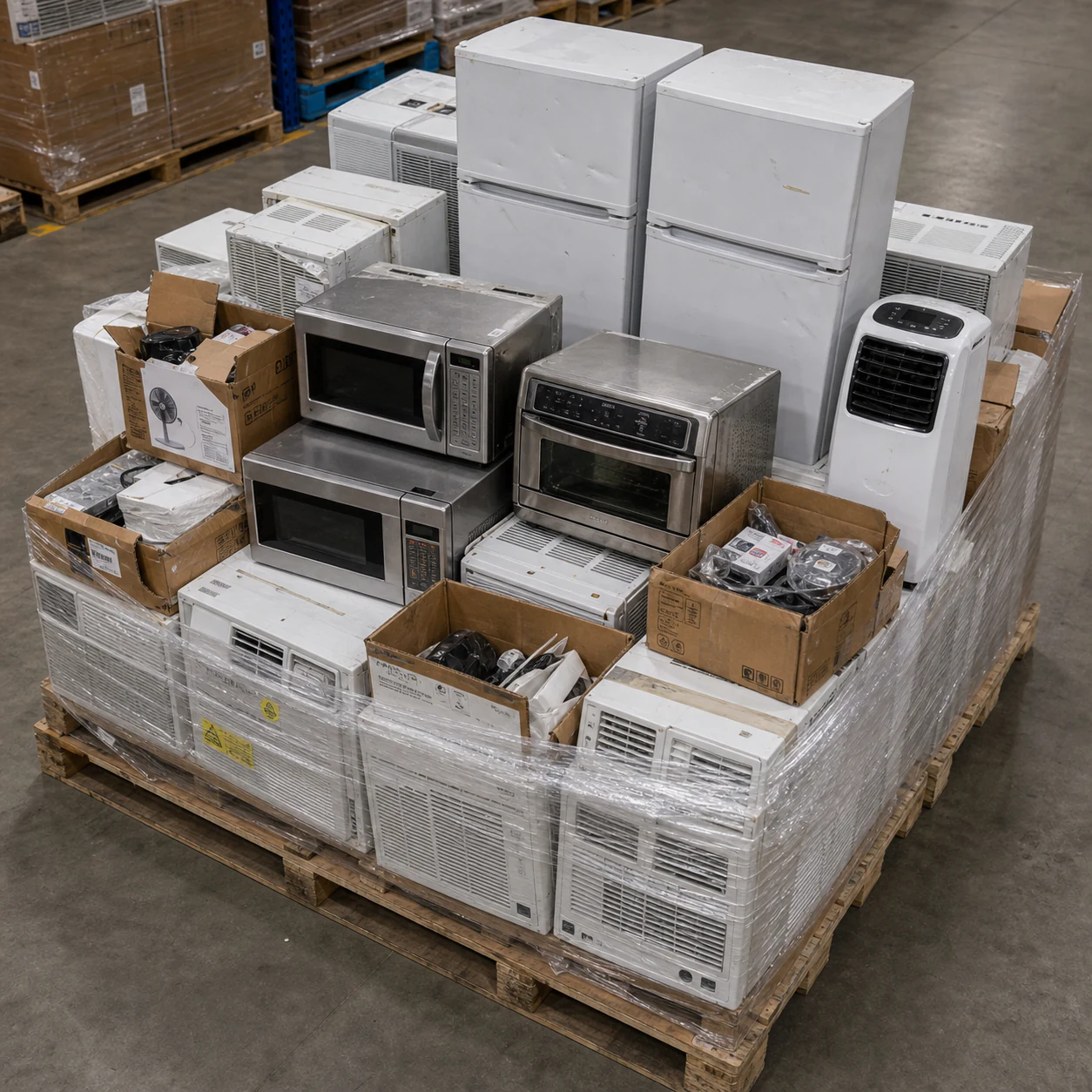 02 / 07 Pallet
 Small Appliances · 42 items
Small Appliances Liquidation Pallet — Verified Analysis, 42 Items
- Acquisition cost
- $1,628
- Expected resale
- $2,041
- Projected gross spread
- +$413
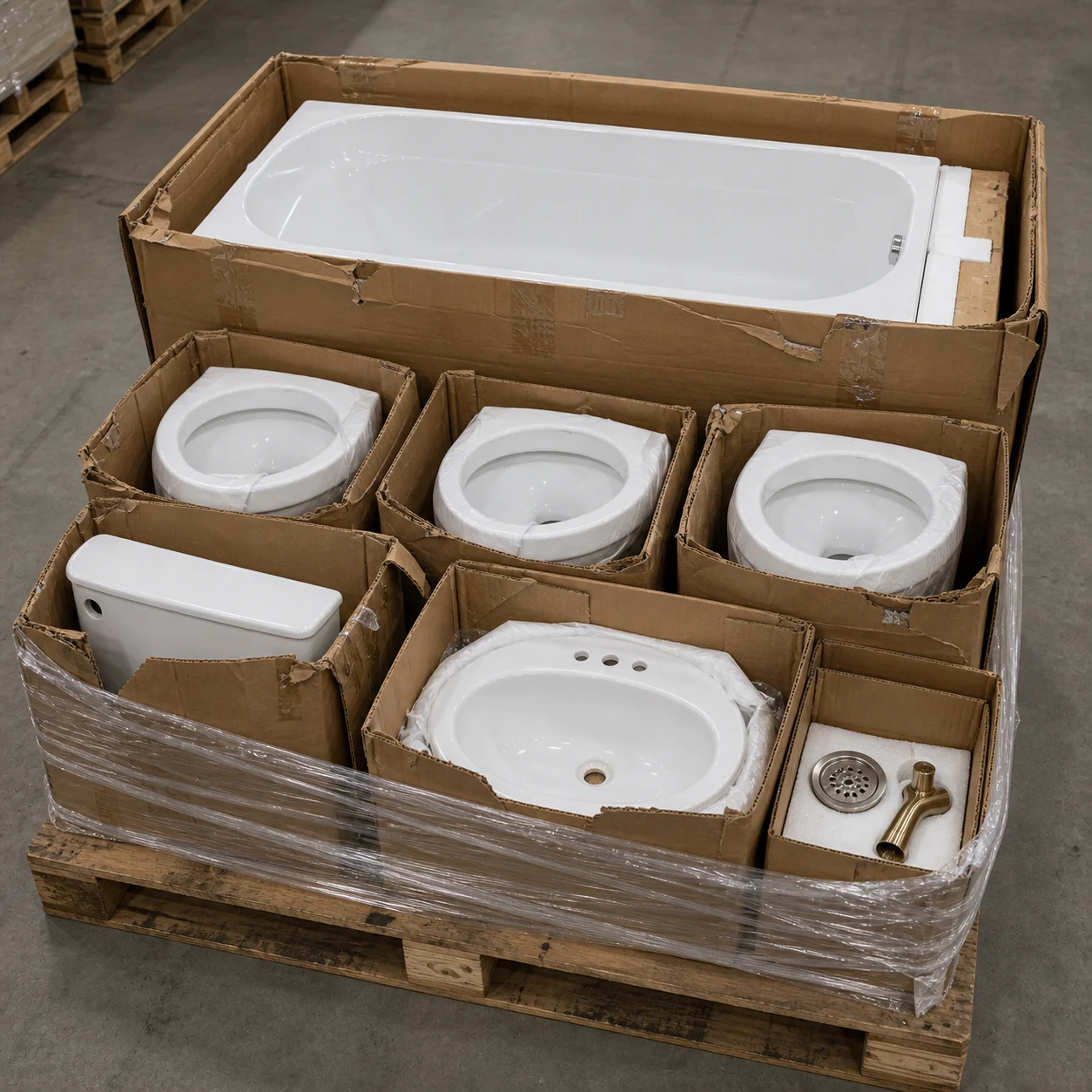 03 / 07 Pallet
 Hardware · 8 items
Hardware New Condition Liquidation Pallet — 8 Items
- Acquisition cost
- $466
- Expected resale
- $169
- Projected gross spread
- −$297
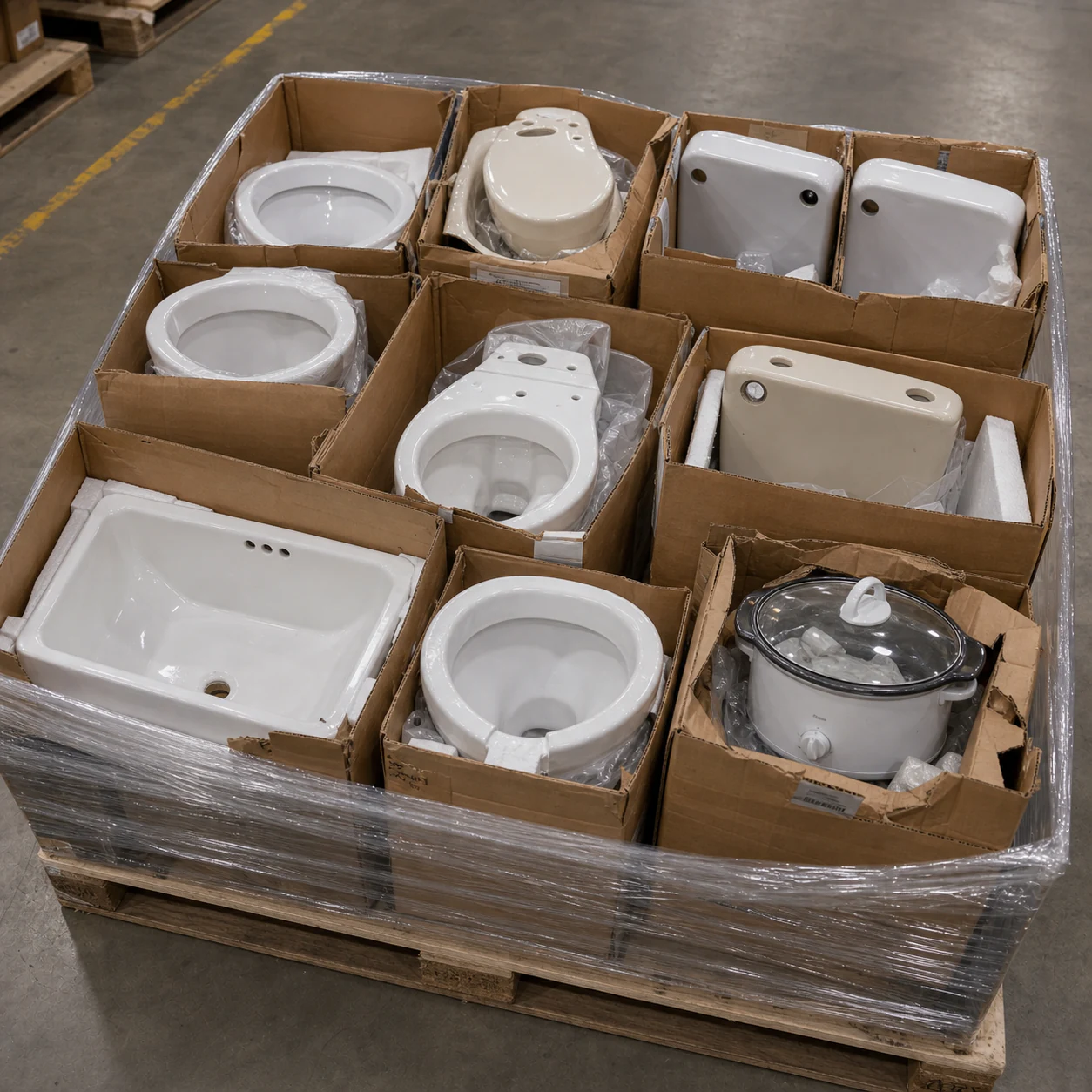 04 / 07 Pallet
 Hardware · 12 items
Customer Returns Hardware Pallet — 12 Items
- Acquisition cost
- $164
- Expected resale
- $232
- Projected gross spread
- +$68
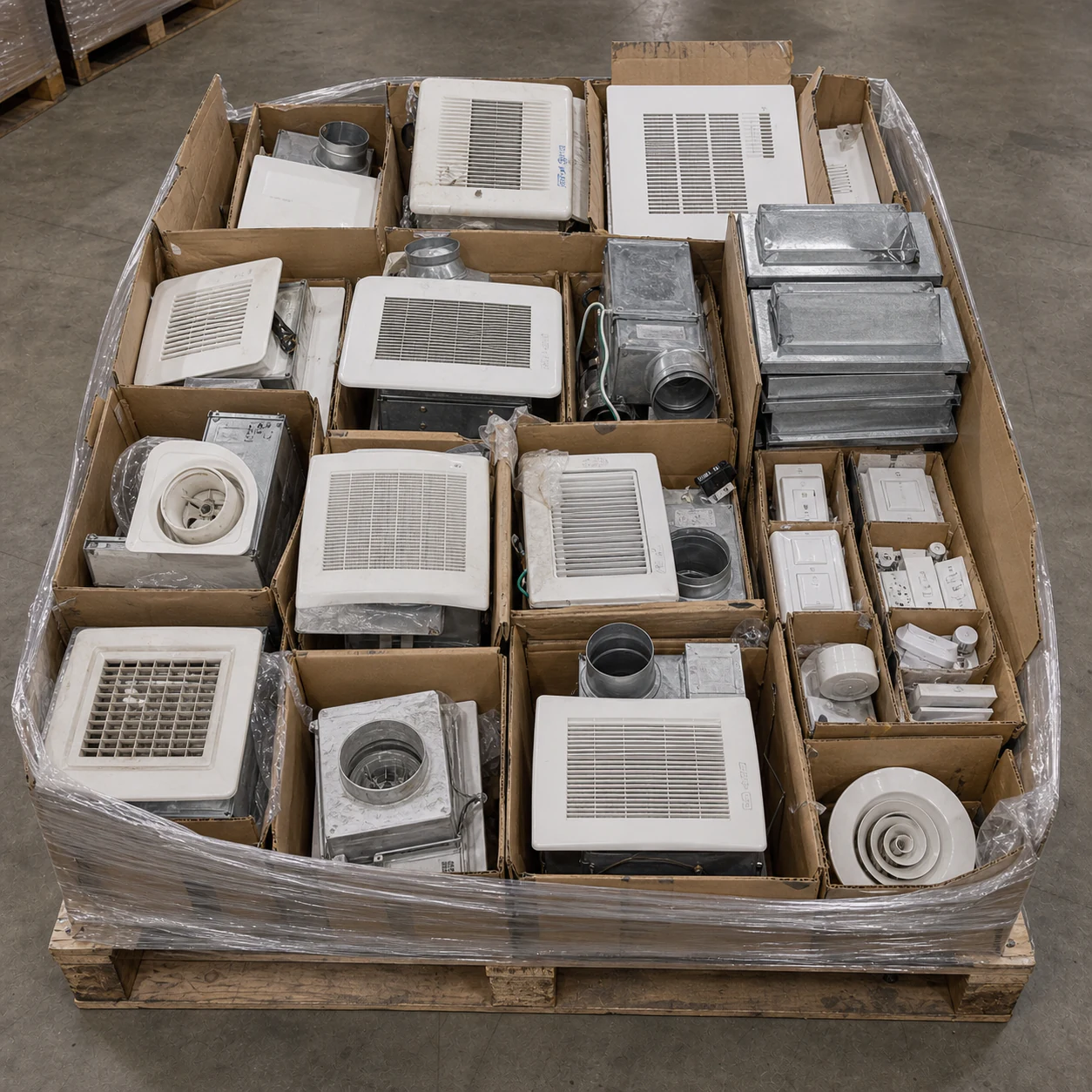 05 / 07 Pallet
 Small Appliances · 18 items
Small Appliances Mixed Condition Liquidation Pallet — 18 Items
- Acquisition cost
- $879
- Expected resale
- $342
- Projected gross spread
- −$537
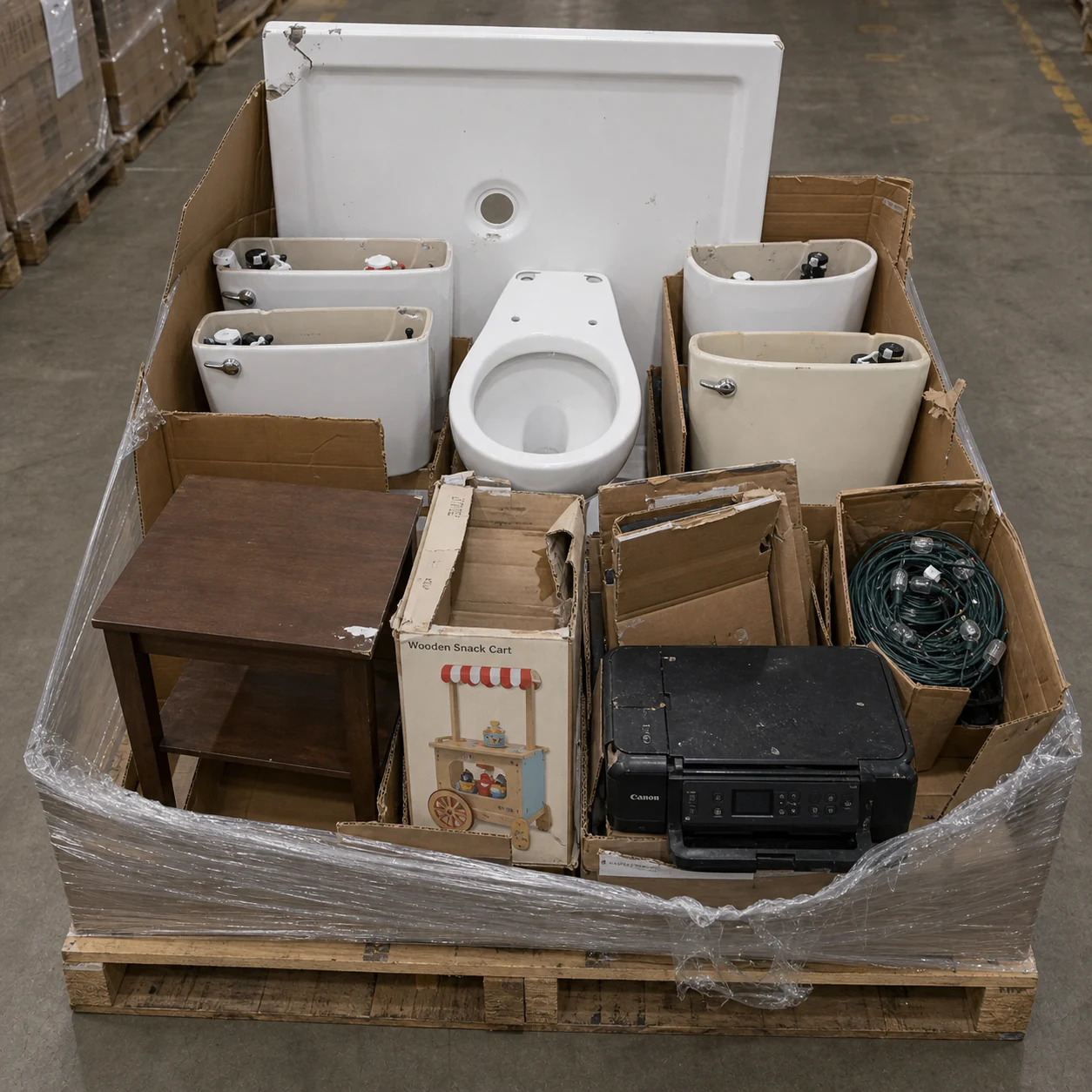 06 / 07 Pallet
 Hardware · 10 items
Hardware Customer Returns Liquidation Pallet — 10 Items
- Acquisition cost
- $195
- Expected resale
- $325
- Projected gross spread
- +$130
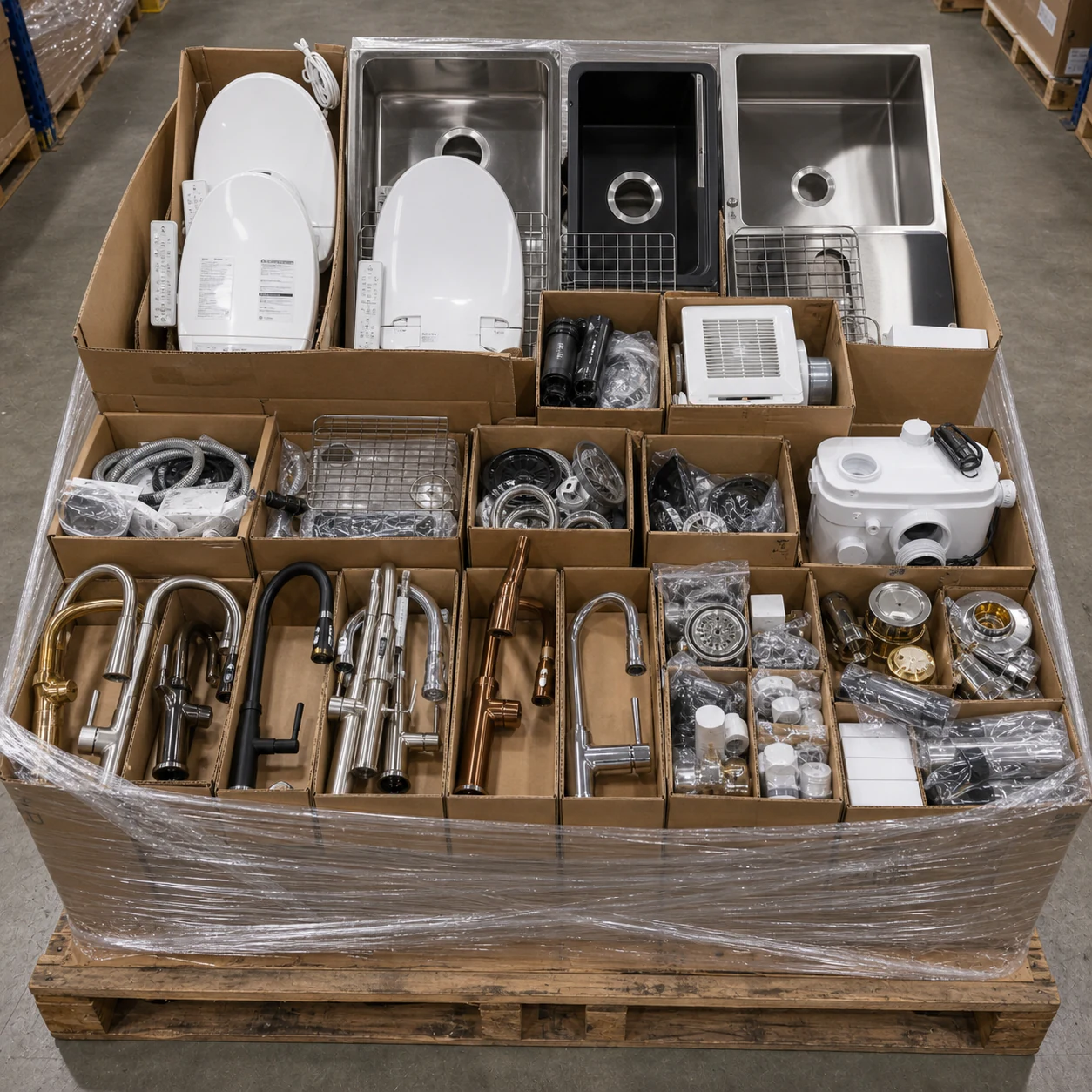 07 / 07 Pallet
 Hardware · 34 items
Customer Returns Hardware Pallet — 34 Items
- Acquisition cost
- $3,245
- Expected resale
- $997
- Projected gross spread
- −$2,248
01 / 07
Mixed Condition Pet Supplies Pallet — 11 Items
Loss Likely, Avoid. Expected Resale compared with acquisition cost.
02 / 07
Small Appliances Liquidation Pallet — Verified Analysis, 42 Items
Profit likely, Buy. Expected Resale compared with acquisition cost.
03 / 07
Hardware New Condition Liquidation Pallet — 8 Items
Loss Likely, Avoid. Expected Resale compared with acquisition cost.
04 / 07
Customer Returns Hardware Pallet — 12 Items
Profit likely, Buy. Expected Resale compared with acquisition cost.
05 / 07
Small Appliances Mixed Condition Liquidation Pallet — 18 Items
Loss Likely, Avoid. Expected Resale compared with acquisition cost.
06 / 07
Hardware Customer Returns Liquidation Pallet — 10 Items
Profit likely, Buy. Expected Resale compared with acquisition cost.
07 / 07
Customer Returns Hardware Pallet — 34 Items
Loss Likely, Avoid. Expected Resale compared with acquisition cost.
Read the complete static workflow
- Load 01: Mixed Condition Pet Supplies Pallet — 11 Items Loss Likely, Avoid. Expected Resale compared with acquisition cost.
- Load 02: Small Appliances Liquidation Pallet — Verified Analysis, 42 Items Profit likely, Buy. Expected Resale compared with acquisition cost.
- Load 03: Hardware New Condition Liquidation Pallet — 8 Items Loss Likely, Avoid. Expected Resale compared with acquisition cost.
- Load 04: Customer Returns Hardware Pallet — 12 Items Profit likely, Buy. Expected Resale compared with acquisition cost.
- Load 05: Small Appliances Mixed Condition Liquidation Pallet — 18 Items Loss Likely, Avoid. Expected Resale compared with acquisition cost.
- Load 06: Hardware Customer Returns Liquidation Pallet — 10 Items Profit likely, Buy. Expected Resale compared with acquisition cost.
- Load 07: Customer Returns Hardware Pallet — 34 Items Loss Likely, Avoid. Expected Resale compared with acquisition cost.
Input: Public listings and permissioned private liquidation load listings
Output: A filtered screen with valuation, recovery, and row-level evidence
REAL-WORLD USE CASES
Where Liquidation Load Radar fits into the work.
Start with the operating situation, then use the product record to move the work forward.- Buyers
Screen public and private load listings
Review public liquidation listings and the private listings that your account can access, then narrow the screen to the opportunities that fit your buying criteria.
- Sourcing teams
Compare advanced buying metrics
Compare acquisition cost, Fair Value, Expected Resale, recovery, coverage, confidence, and projected gross spread before you spend time on deeper diligence.
- Analysts
Audit the analysis behind each screen
Open the analyzed manifest, search by product, SKU, UPC, or style, and trace the load metrics back to supported product rows and market evidence.
LISTING → ANALYSIS → SCREEN
Move public and private listings through Manifest Analysis.
Advanced metrics narrow the screen. Coverage, confidence, and product evidence show what each result can support.- 01GATHER
Bring accessible listings into view
Start with public liquidation load listings and private listings that the signed-in account has permission to access.
- 02ANALYZE
Apply Manifest Analysis
Liquidata researches supported rows and calculates Fair Value, Expected Resale, recovery, coverage, and confidence for each load.
- 03SCREEN
Compare the decision metrics
Screen acquisition cost against Expected Resale and projected gross spread while keeping coverage and confidence visible.
- 04TRACE
Inspect the supporting evidence
Open the load, search its product rows, and trace each supported measure to the available market evidence before you act.
THE SCREEN
Advanced metrics stay connected to product evidence.
Acquisition cost, Fair Value, Expected Resale, recovery, projected gross spread, coverage, and confidence stay connected to the analyzed product rows.
PRODUCT RECORD
What stays attached to the workflow.
Liquidation load screening
Review public listings beside private listings that your account has permission to access.
Manifest Analysis on each load
Apply the same row research, Fair Value, coverage, confidence, and recovery framework to each listing.
Advanced decision metrics
Compare acquisition cost, Expected Resale, projected gross spread, recovery, coverage, and confidence.
Row-level evidence
Search product rows and inspect the evidence that supports each available load-level measure.
OPERATING BOUNDARY
What Liquidation Load Radar does not claim.
Useful output stays useful only when its eligibility, confidence, user inputs, and visibility limits stay attached.- 01
Liquidation Load Radar includes public listings and private listings that the signed-in account has permission to access. It does not expose another user’s private data.
- 02
Listing status and availability come from the source or publication state. A status label does not prove that an external transaction is still available or complete.
- 03
Metrics depend on the supplied manifest and available market evidence. Unsupported or incomplete rows remain visible through coverage and confidence.
- 04
Fair Value, Expected Resale, recovery, projected gross spread, and screening verdicts are decision-support estimates. They are not guarantees of resale revenue or profit.
CHECK THE PUBLIC RECORD
Inspect the method before the next action.
QUESTIONS TO SETTLE
Before you use Liquidation Load Radar.
Which listings can I screen?
You can screen public liquidation load listings and private listings that your account can access, including authorized Amazon Liquidation Auctions, B-Stock, and Direct Liquidation seller files.
What does Manifest Analysis add to each listing?
It researches supported product rows and produces Fair Value, Expected Resale, recovery, coverage, confidence, projected gross spread, and row-level evidence.
Does a screening verdict guarantee profit?
No. The metrics are decision-support estimates. Condition, operating costs, channel performance, and unsupported rows can change the result.
NEXT ACTION
Screen liquidation loads.
Liquidata’s Liquidation Load Radar applies Manifest Analysis to public and private listings for advanced liquidation load screening and decision metrics.